How to use Sellibly
Short, step-by-step guides with screenshots of the real screens. Personal details in every image are blurred.
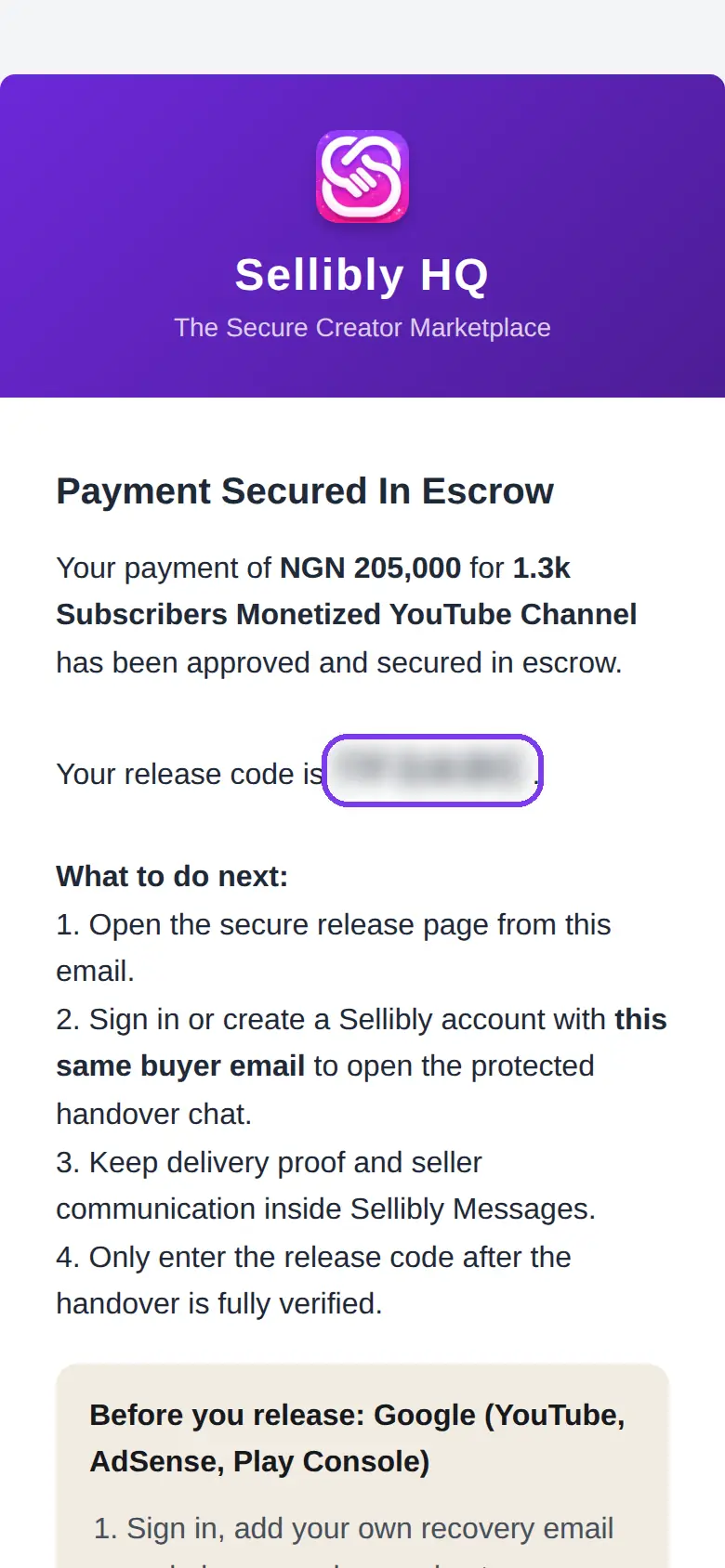
How to Find and Use Your Release Code on Sellibly
Paid for a deal and looking for your release code? It is in one email, and it only works from the secure page that email opens. Here is the whole path, with screenshots.
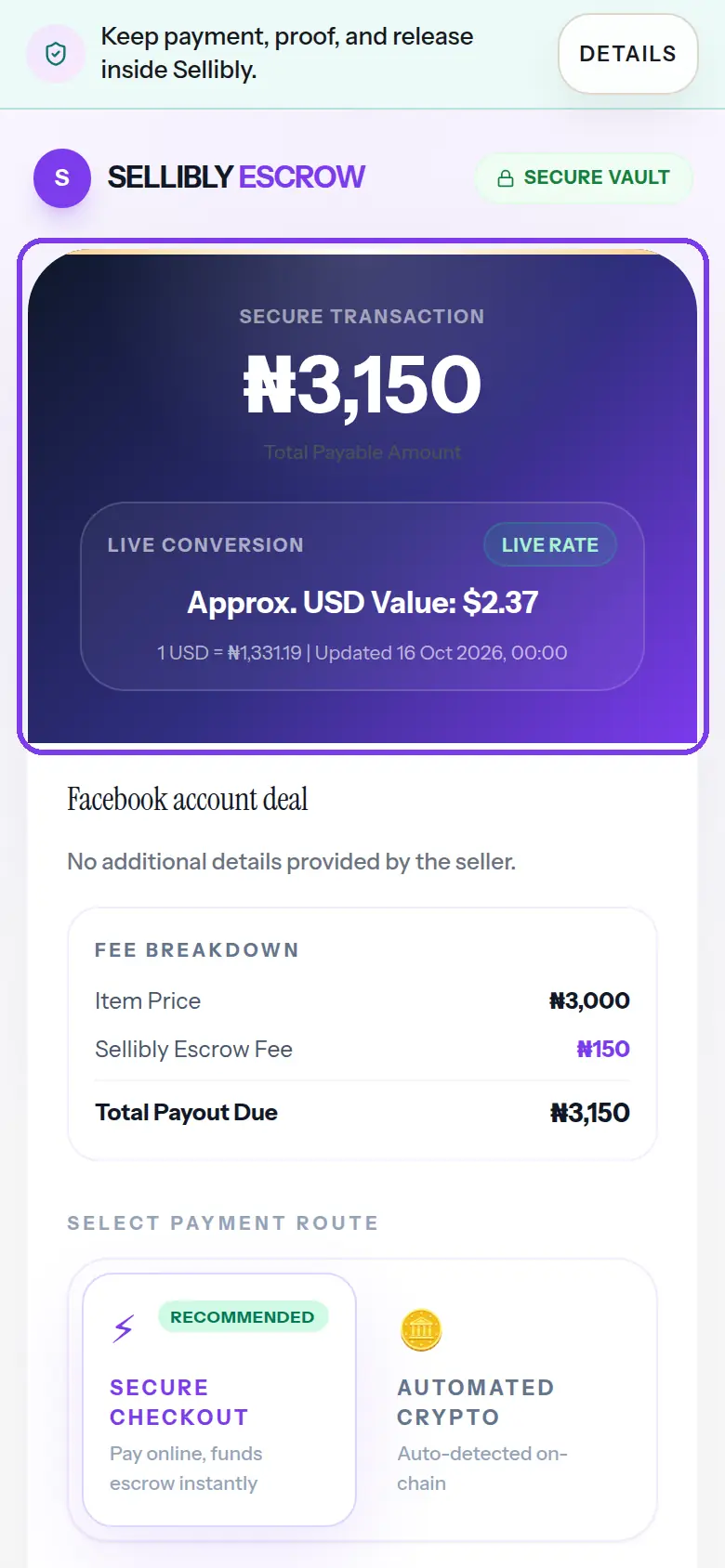
How to Pay a Seller Safely with a Sellibly Escrow Link
A seller sent you a Sellibly payment link. Here is what every part of that page means, which email to type, and what happens after you pay.
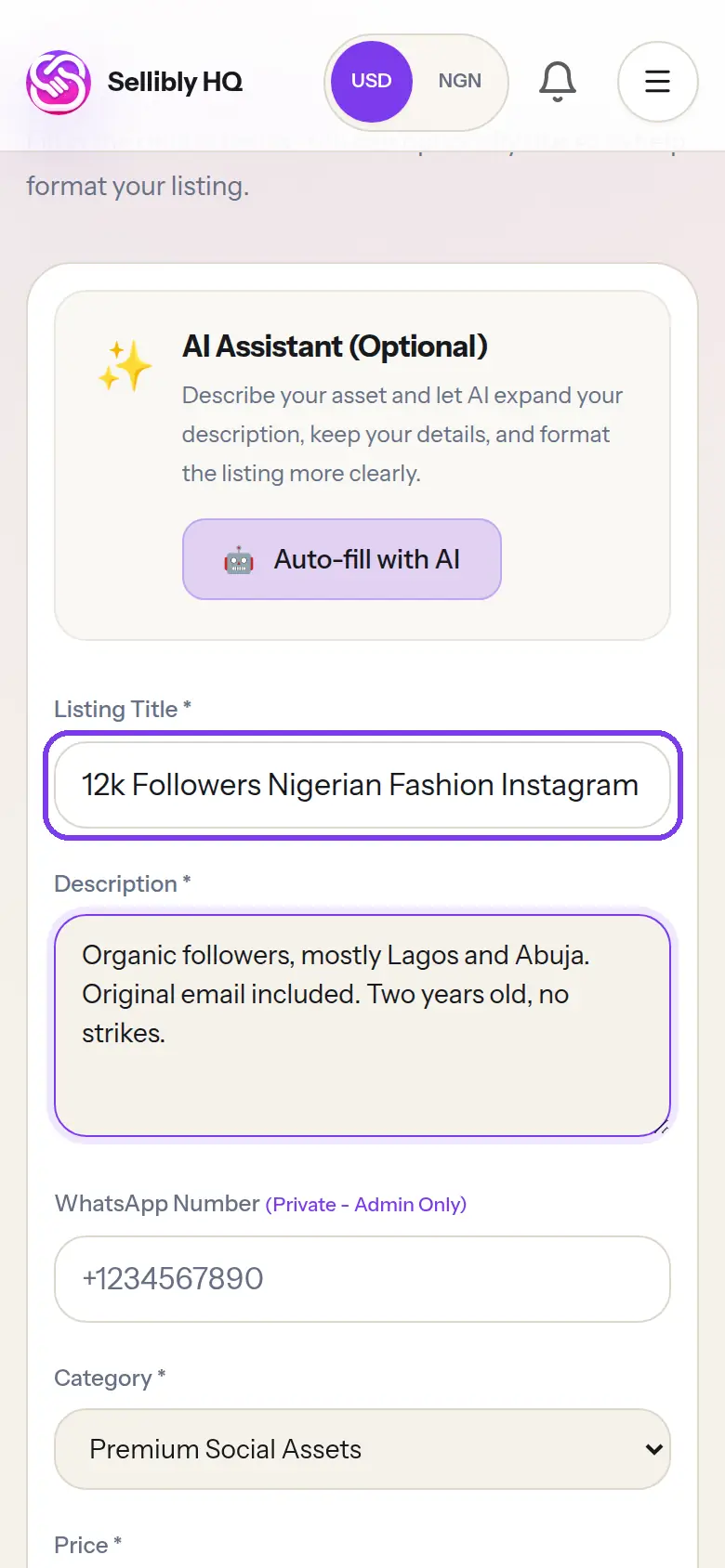
How to List an Account or Digital Asset for Sale on Sellibly
From your dashboard to a listing waiting for review, every tap, with screenshots of the live form.
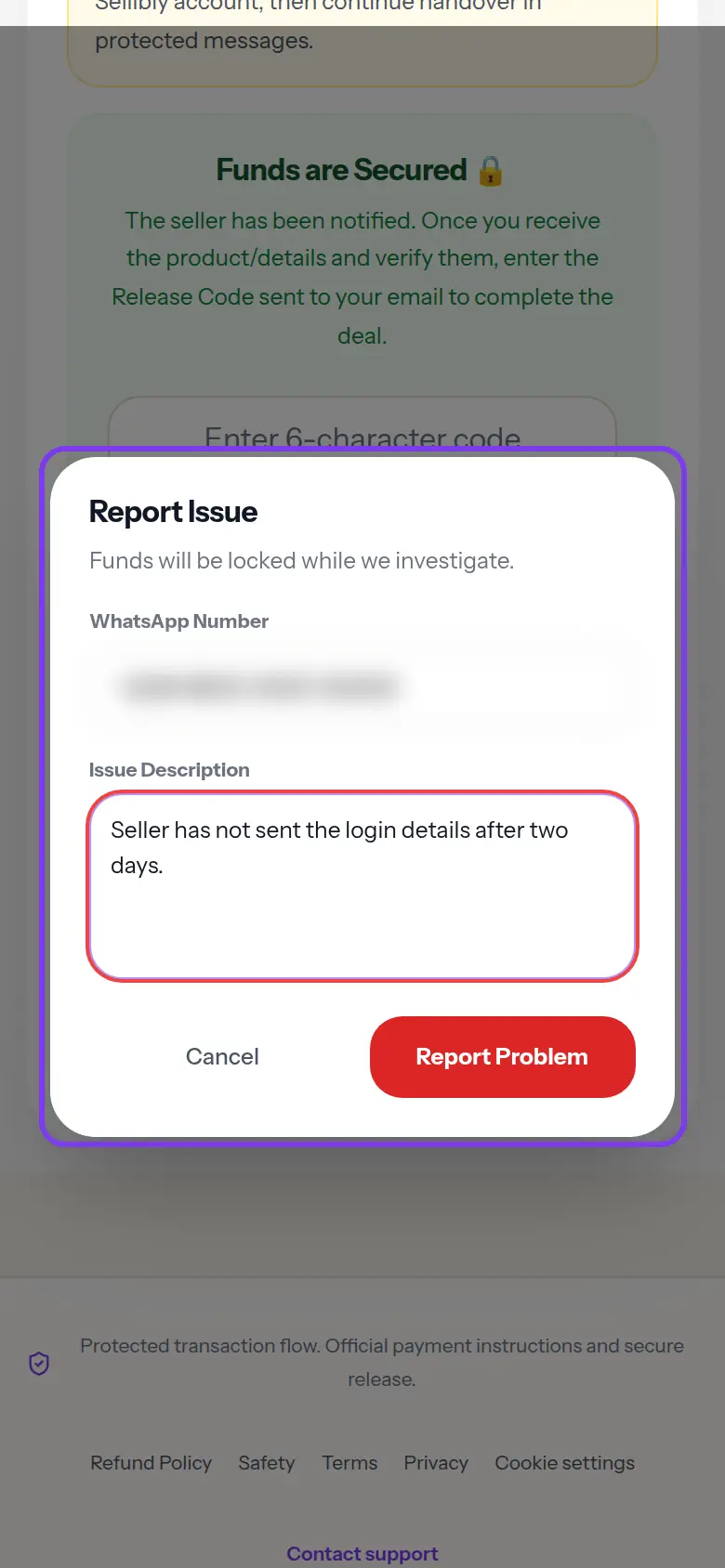
How to Report a Problem with a Sellibly Deal
The seller has gone quiet, or the account is not what you paid for. Here is how to get to your deal and report it, while your money stays held.
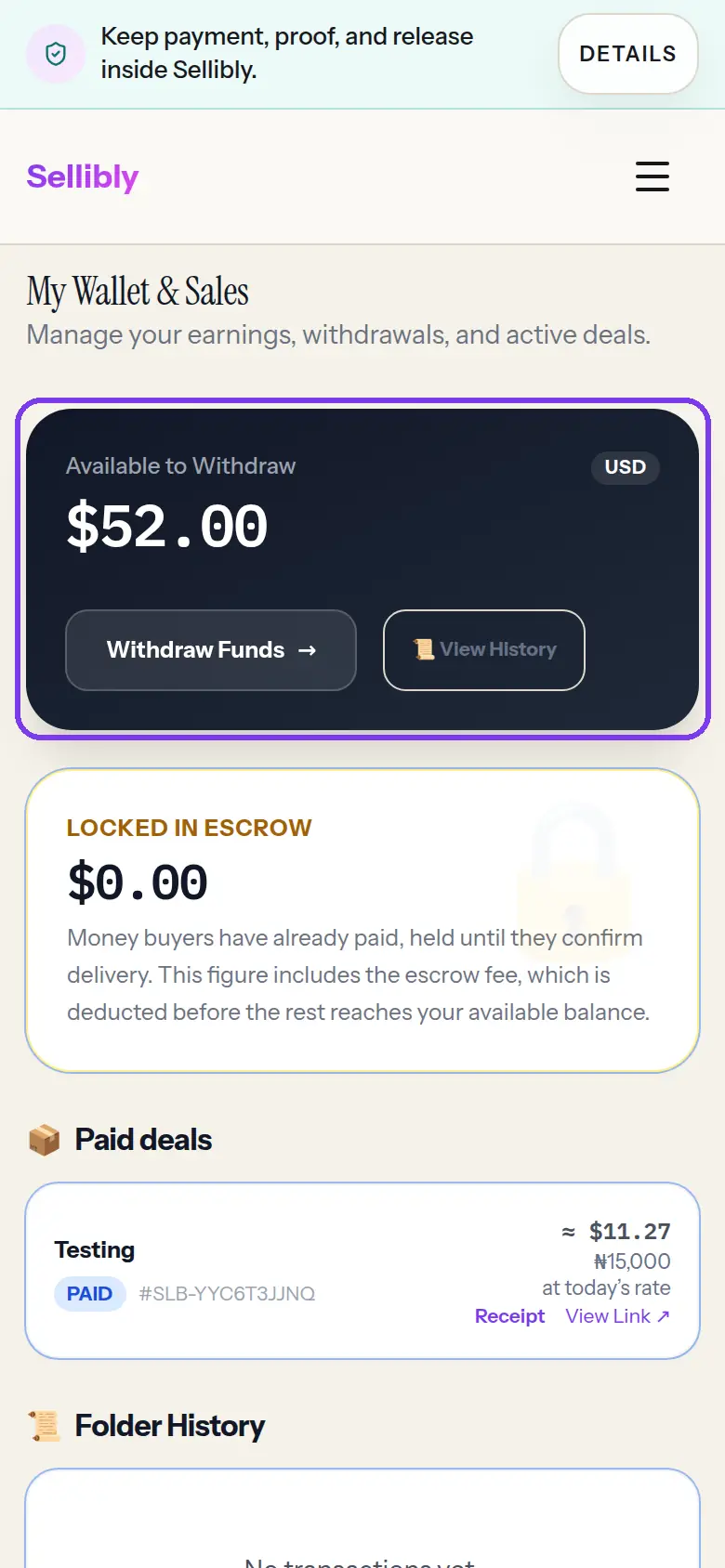
How to Withdraw Your Earnings from Sellibly
A buyer released your money. Here is how to get it out, from the dashboard menu to the withdraw form, including the one-time payout setup.
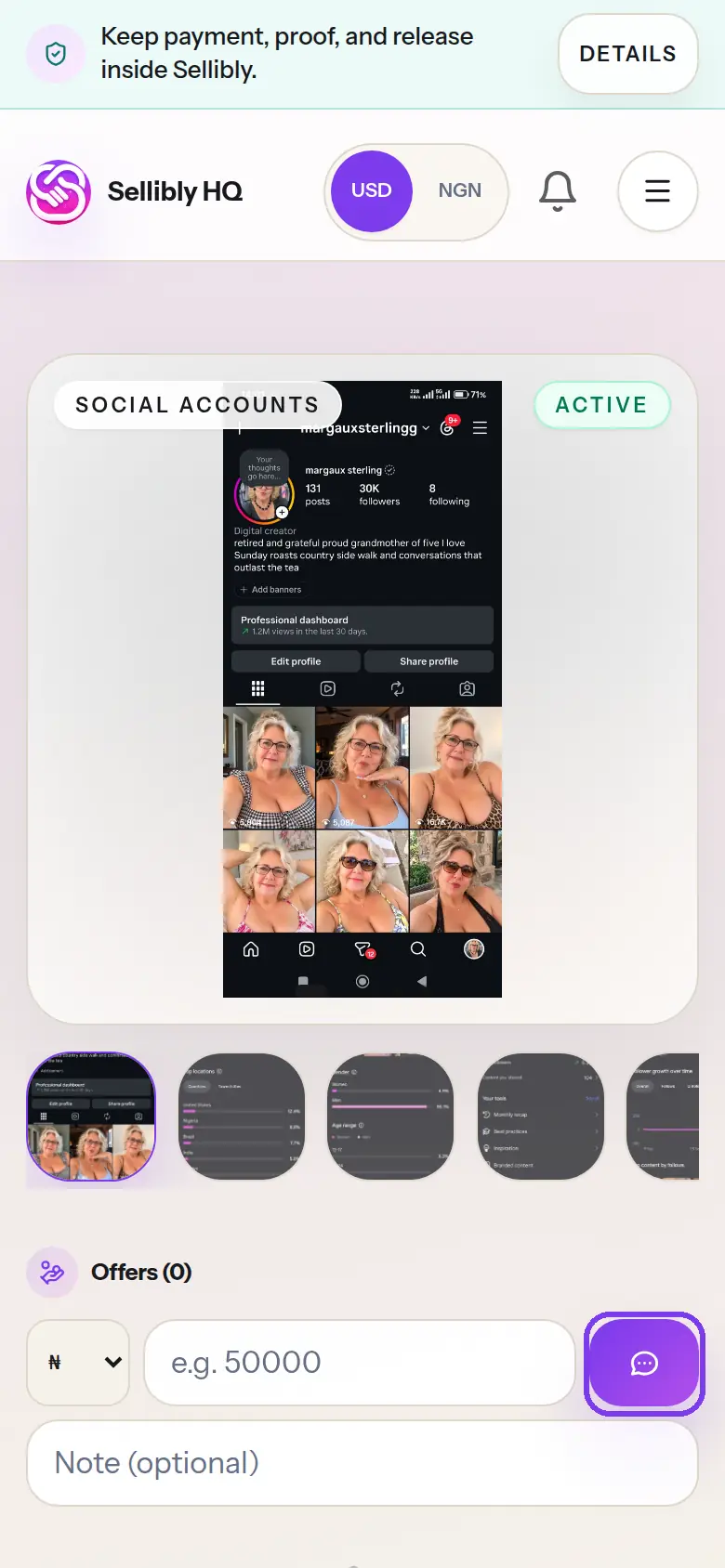
How to Message a Seller and Find Replies on Sellibly
Ask a seller a question from their listing, then find the reply later. Here is every tap, including the notifications step before your first message.
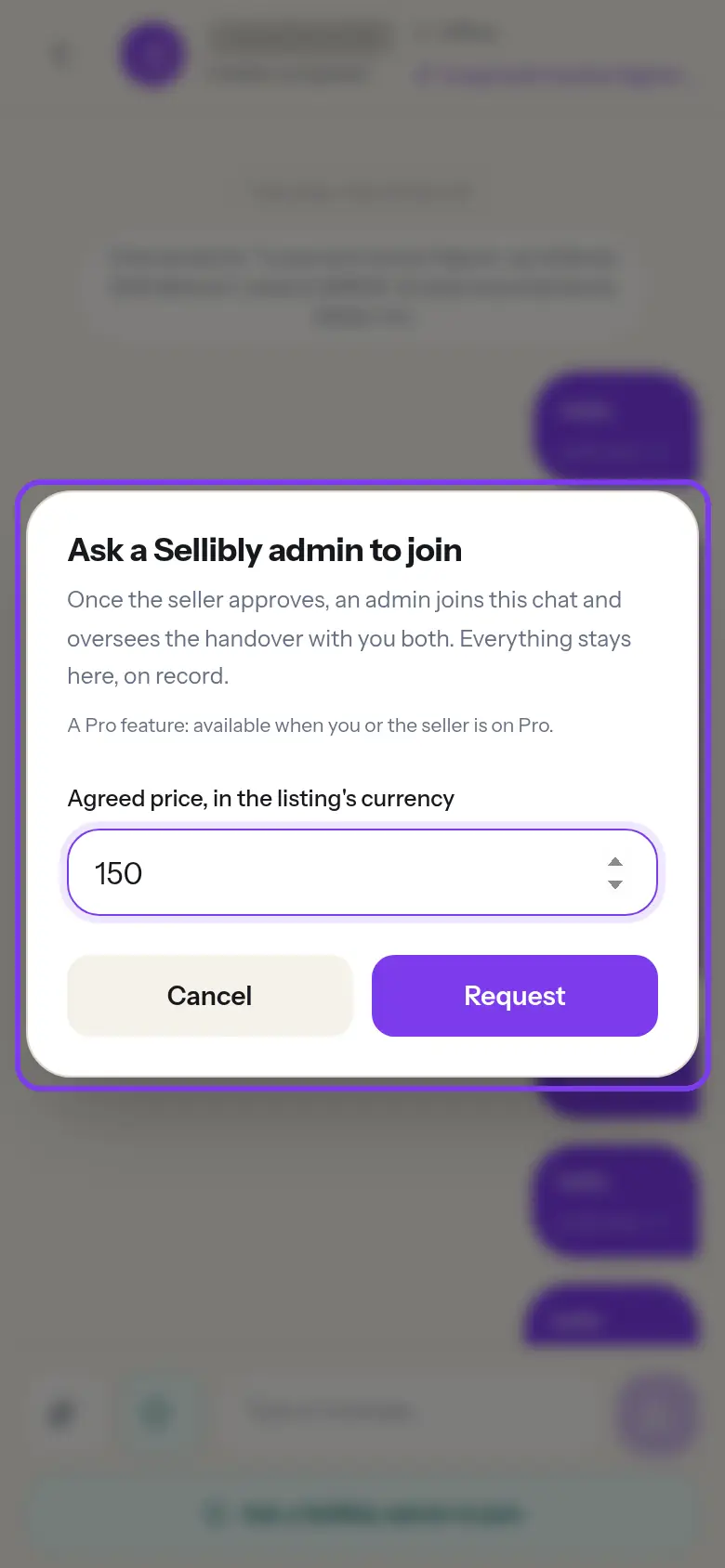
How to Ask a Sellibly Admin to Join Your Deal Chat
For bigger deals, an admin can join your chat and oversee the handover. Here is how to get to the button and send the request.